

Build a scheduled workflow
The reference app schedules orders:confirm from stock routes/console.php. The scheduler provides timing only; the Command remains the inbound adapter that reconstructs context and enters one UseCase.
The Command is the scheduled boundary; a Job is the alternative when queue delivery owns the entry.
Before you begin
Complete the Artisan Command workflow. Scheduling does not replace the Command's authorization, validation, idempotency, or failure handling.
Register the Command
examples/reference-app/routes/console.php — Laravel schedule registration with overlap and single-server controls.
<?php
withoutOverlapping() and onOneServer() constrain scheduler execution; they do not establish an exactly-once business effect. Preserve the UseCase idempotency guard for retry and duplicate-delivery windows.
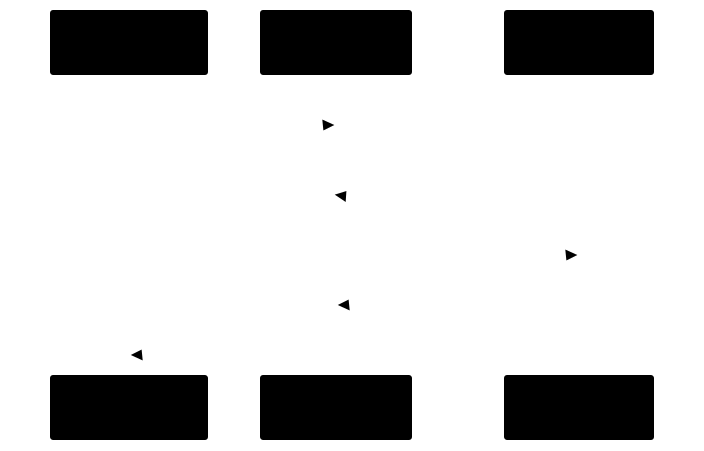
Interpretation. The scheduler triggers the Command; it does not become a workflow owner or bypass boundary checks.
Verify registration
Run composer run reference:test:schedule. The test loads Laravel's stock schedule, finds the Command event, confirms its every-minute expression, and asserts that a mutex is configured.
Troubleshoot
Do not place scheduled workflow logic in a closure. Keep routes/console.php as timing configuration and invoke a Command or Job.
Related tasks
Read Command or return to the queue workflow.